
Name-Based Case Searches
Name searching starts with the Moore LGS portal, the county’s main online index. Enter through Guest Login or an account. Then pick an office and a record type. Criminal, Civil, Probate, and Property are the named choices. The portal does not publish its post-login search fields. So partial-match behavior and date controls take some experimenting once you are inside.
- Choose the record-owning office before typing a name.
- Select Criminal, Civil, Probate, or the other matching record type.
- Enter the name only in the fields the live screen provides.
- Compare matches by court, case type, date, and cause number.
- Open “More Information,” then contact the clerk if identity or status remains unclear.
| Field or control | Observed? | Use |
|---|---|---|
| Guest Login | Yes | Free index access |
| Office | Confirmed after login | Select the record custodian |
| Record type | Confirmed after login | Choose Criminal, Civil, Probate, or Property |
| Name/date/status filters | Not inspectable | Use only labels shown live |
Moore LGS Guest Login
Guest Login lets you view the index without buying anything. “More Information” opens the deeper case details when they exist. “Images” is a separate route altogether. To purchase images, register first. The FAQ sets a limit. A new account may buy up to five images before a subscription becomes necessary. Each transaction carries a listed $0.30 fee, and subscription pricing varies.
That split deserves a pause. A free result may identify the court or the event. But it does not make the signed filing free or public. Even a purchased image is not a certified copy. When you need formal proof, ask the clerk to authenticate the document.
Office and type come first. A broad name search can miss the right file when the case belongs to a different clerk, city, or justice court.
Case Number Searches
A cause number is usually the strongest key. It points to exactly one court file. Copy every letter, digit, dash, and leading zero from your notice. Moore County’s exact case-number format is not published. So treat a pattern like YYYY-CR-##### as illustration only, not local fact.
When a number fails, make sure it is truly a court cause number. It is not a citation, police report, filing-envelope, or vendor transaction number. Then double-check the court and office. A municipal citation from Dumas, Cactus, or Sunray may never surface through the county LGS path. Cactus nCourt itself distinguishes Citation/Ticket Number from Case/Cause Number. That shows why the label matters.
More Information Versus Images
LGS keeps result detail and document access apart. More Information can display the case index and its chronology. Images, by contrast, unlock eligible filed documents only after the account and payment conditions are satisfied. Some records permit no public images at all. The FAQ sends users back to the office where the record resides.
| View | Likely purpose | Not a substitute for |
|---|---|---|
| Result list | Locate possible matches | Identity confirmation |
| More Information | Read available case detail | Current setting confirmation |
| Images | View or buy eligible filings | Certified clerk copy |
| Receipts/Purchases | Recover a prior transaction | Case disposition |
The FAQ also describes View Purchases and View Receipts functions tied to your account, useful if a purchase receipt goes missing. Keep the distinction straight, though. A receipt proves a transaction, not what the judge ordered.
Case Search Results Explained
Read a useful Moore County result field by field. No live local case sits behind these descriptions. The table below outlines the capture points the county workflow supports, without claiming to quote exact screen labels.
| Cause number | The court file identifier, copied exactly. |
|---|---|
| Court | The venue that owns the docket and setting. |
| Style or parties | The caption and public party roles, subject to redaction. |
| Case type | Criminal, civil, family, probate, property, or another category. |
| Filed date and status | When the matter began and the current system label. |
| Entries and settings | Chronological filings and scheduled events, which may need live confirmation. |
Treat “open,” “closed,” or “disposed” as labels, and weigh them against the dated entries and the signed order. A setting does not prove an outcome. Likewise, a blank document tab does not prove the file holds no documents.
Moore Statewide Search Access Gap
The official re:SearchTX endpoint is the statewide case-search layer. Some visitors, though, will hit an access-denied screen there.
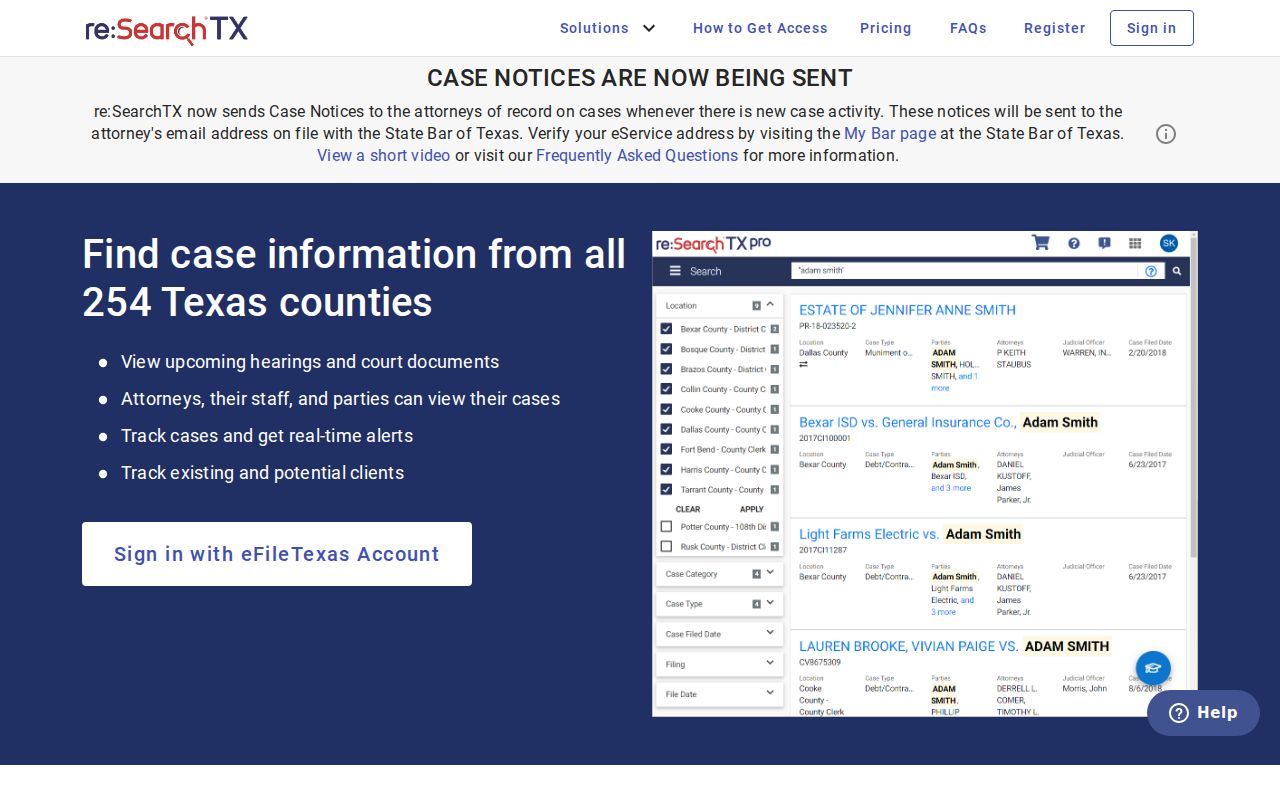
That denial is not a no-case result. It says nothing about Moore County coverage or which fields the public can see. Try re:SearchTX as a second official route, but when statewide access is uncertain, lean on the county clerk and LGS for a known local case.
Two Ways to Search: County and State
County and statewide systems serve different search paths. LGS ties into Moore County’s official online-records notice and the local clerk workflow. re:SearchTX serves participating courts across Texas, though its Moore coverage and public access can vary, so treat it as a supplement rather than a substitute.
| Point | Moore LGS | re:SearchTX |
|---|---|---|
| Scope | Local Moore office and record types | Statewide participating-court layer |
| Access observed | Guest index and registered image workflow documented | 403 access gap during research |
| Best next step | Use for a known Moore file | Test for cross-county or second-route searching |
| Certification | Still request from the clerk | Still request from the originating clerk |
eFileTexas is not a third search portal. It handles filing submissions. A filing receipt proves submission, nothing more, and it does not replace the public docket, the case chronology, or a certified record.
When a Moore Name Fails
When a Moore County name search comes up empty, start with the wrong-custodian check. District civil, family, and felony records sit with the District Clerk. Constitutional county, probate, and guardianship records route to the County Clerk. JP1, JP2, Dumas, Cactus, and Sunray each maintain distinct local cases. After that, check exact spelling. Also verify the full cause number, filing year, older paper or microfilm coverage, and any access restrictions.
Call the District Clerk at 806-935-4218. Or call the County Clerk at 806-935-2009 or 806-935-6164, whichever fits. A written or web inquiry should state the court, the style or cause number, and the approximate date. Include the exact record, the copy type, and your delivery preference. The clerks publish no details on public-terminal location, oldest digitized year, or portal refresh timing.
Do not treat silence as an answer. No result may reflect a different court, older record, sealed file, juvenile restriction, expunction, nondisclosure, or spelling mismatch.
Which Cases Stay Restricted
Some Moore County court docket entries stay off public view, and the law explains why. A statute, court rule, or judge's order can close a file. Juvenile records fall under Texas Family Code Chapter 58. Family and child-related cases often hold protected medical, financial, residence, adoption, or CPS information. Texas sealing rules and sensitive-data rules can also hide or redact material.
Expunction is a legal record-removal process, not a portal correction. A nondisclosure order limits dissemination instead. Texas Rule of Judicial Administration 12 covers qualifying judicial records. But it is not a generic route around the laws governing adjudicative case files. When a court docket search returns nothing, ask the custodian for the legal basis. Ask also for the authorized request route.
Stop at the Index for Certification
Finding a case is only step one. A docket search tells you where things stand. But it may not settle every official need. When the exact wording of a ruling matters, ask for the signed order itself. When you need proof a court will accept, request a certified copy from the clerk. Be specific. Say whether you want a docket sheet, a single filed paper, a plain copy, a certified copy, an exemplified copy, or a transcript.
The clerk's inquiry forms collect your contact details and a reason for the request. They do not list every field you might need. Give enough facts to identify the one record you are after. Then ask about the current fee, payment method, delivery method, identification rule, and turnaround time. Do not assume the published civil and probate filing fees cover a certified docket copy. Those figures set filing costs, not copy charges.