
Cactus Court Docket Searches
The official Cactus government page links Municipal Court Pay Online to nCourt. That interface names Cactus Municipal Court. It gives two search modes: Citation/Ticket Number and Case/Cause Number. Its input box says “Enter Citation/Case Number.” Pick whichever mode matches your paper, since the screen offers no name search.
- Verify that the paper names Cactus Municipal Court.
- Wait five days from the citation date, as nCourt instructs.
- Choose Citation/Ticket Number or Case/Cause Number.
- Enter all letters; if a leading zero fails, follow the portal direction and try without it.
- Call 806-966-5458 if no record appears or the charge will be contested.
An empty result does not mean the case was dismissed. The record may not be posted yet, a letter or leading zero may not match, or another court may hold the file. Choose the office by court name, not by where the event happened.
Cactus nCourt Search Fields
The screen has four tabs: Terms Agreement, Payment, Receipt, and Record Search. Each does something different. Record Search finds a permitted record by number. Payment starts a transaction. Receipt documents it. None of those labels promises a full chronological docket, a scanned pleading, or a certified disposition.
The screen also says letters may be required. So copy the number from the citation without changing it. Its leading-zero note is a troubleshooting step. It is not permission to test unrelated records. If a returned charge or identity looks wrong, stop and call the court.
Cactus Portal Screens
The Cactus nCourt interface shows the citation and case-number choices.
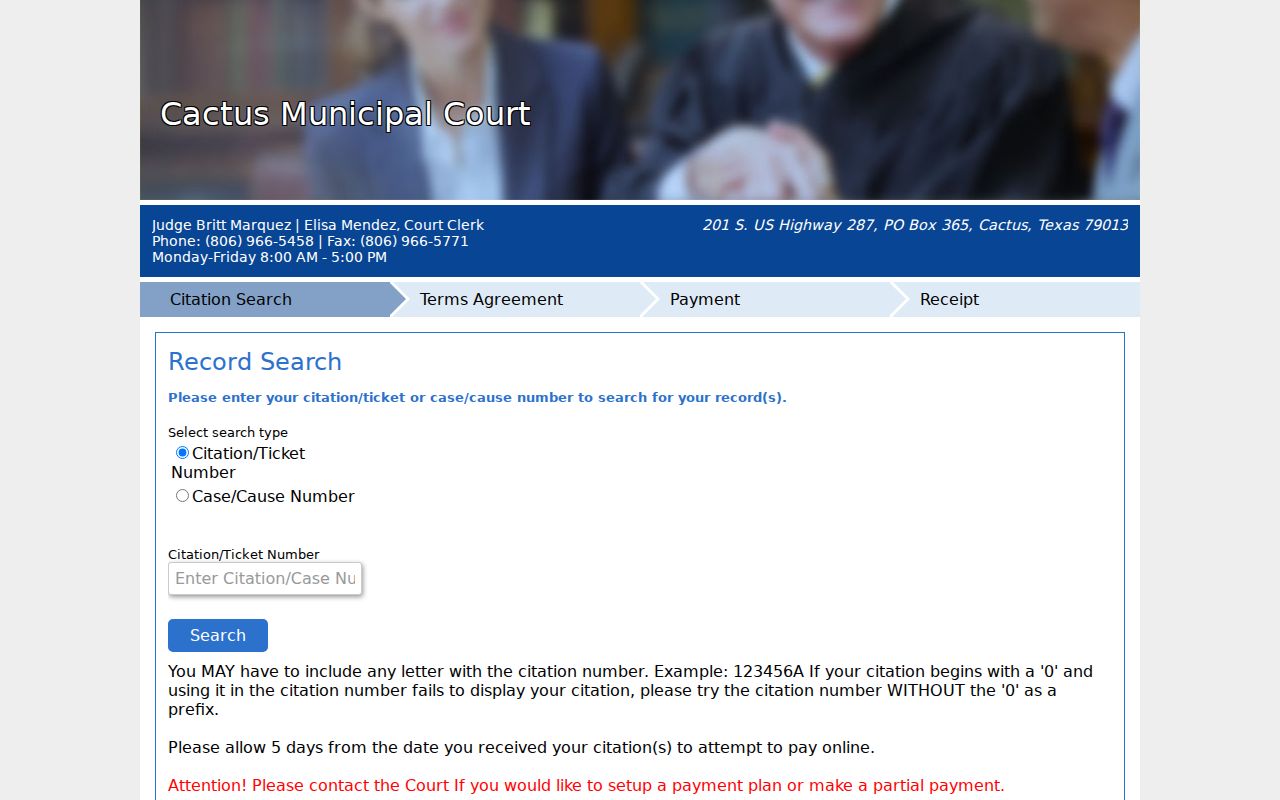
The controls on the city-linked screen support a number-based search only, not a public name search or daily calendar.
The city-linked citation interface shows the other vendor route a visitor may reach.
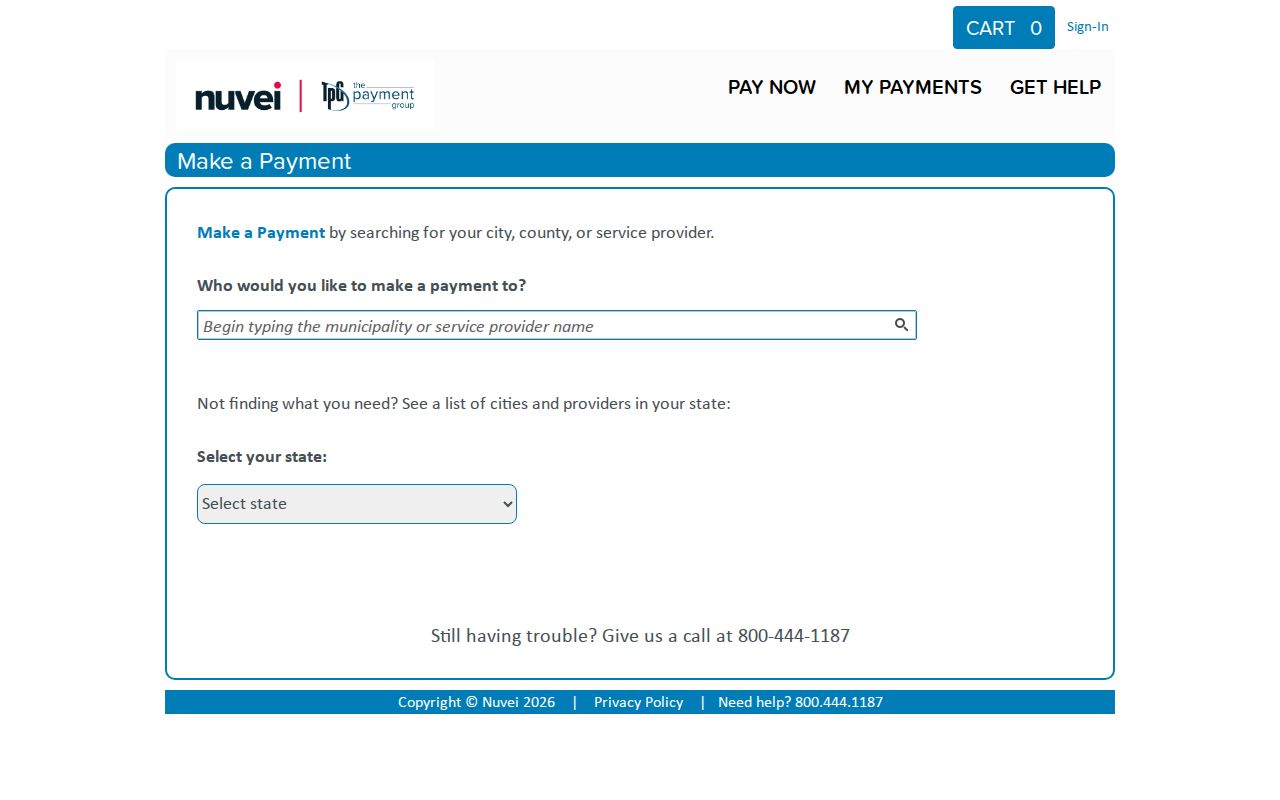
Use only the link the Cactus city page currently supplies, and confirm the court name before paying.
Inside the Cactus Municipal Court
Cactus Municipal Court sits at 201 S Highway 287, Cactus, Texas 79013. Mail goes to PO Box 365. The official directory lists 806-966-5458. The fax is 806-966-5771, and the counter is open weekdays from 8:00 AM to 5:00 PM. Britt Marquez serves as judge and Elisa Mendez as court clerk.
The court handles municipal ordinance matters and fine-only state-law cases. A felony, probate case, general civil suit, or county-level misdemeanor does not land here. That holds true even if the event happened near Cactus. Read the court line first.
The official municipal directory page displays the court counter details.
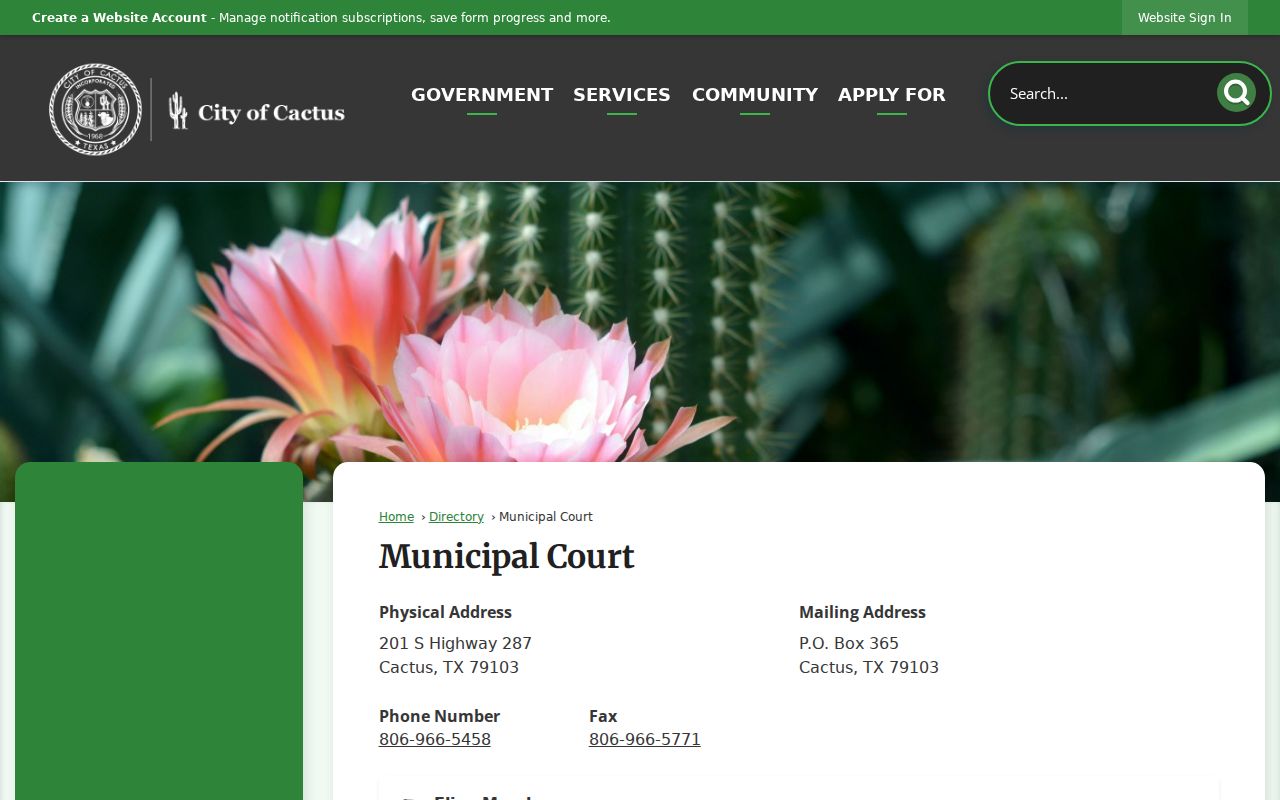
That directory gives you a phone and counter to fall back on when the vendor cannot answer a case question.
Cactus Court Counter Options
The clerk’s phone, fax, mail address, and weekday counter are the fallback. Use them for a setting, plea question, payment plan, plain copy, or certified disposition. Say what you need. A docket gives event information. A plain copy reproduces a record. A certified copy carries clerk authentication.
Cactus publishes no certification fee. So ask current court staff about the cost, accepted payment form, and turnaround. A vendor receipt is not automatically a certified court record.
Cactus City Government Route
The Cactus government page lists Municipal Court among city services and links the online-payment path.
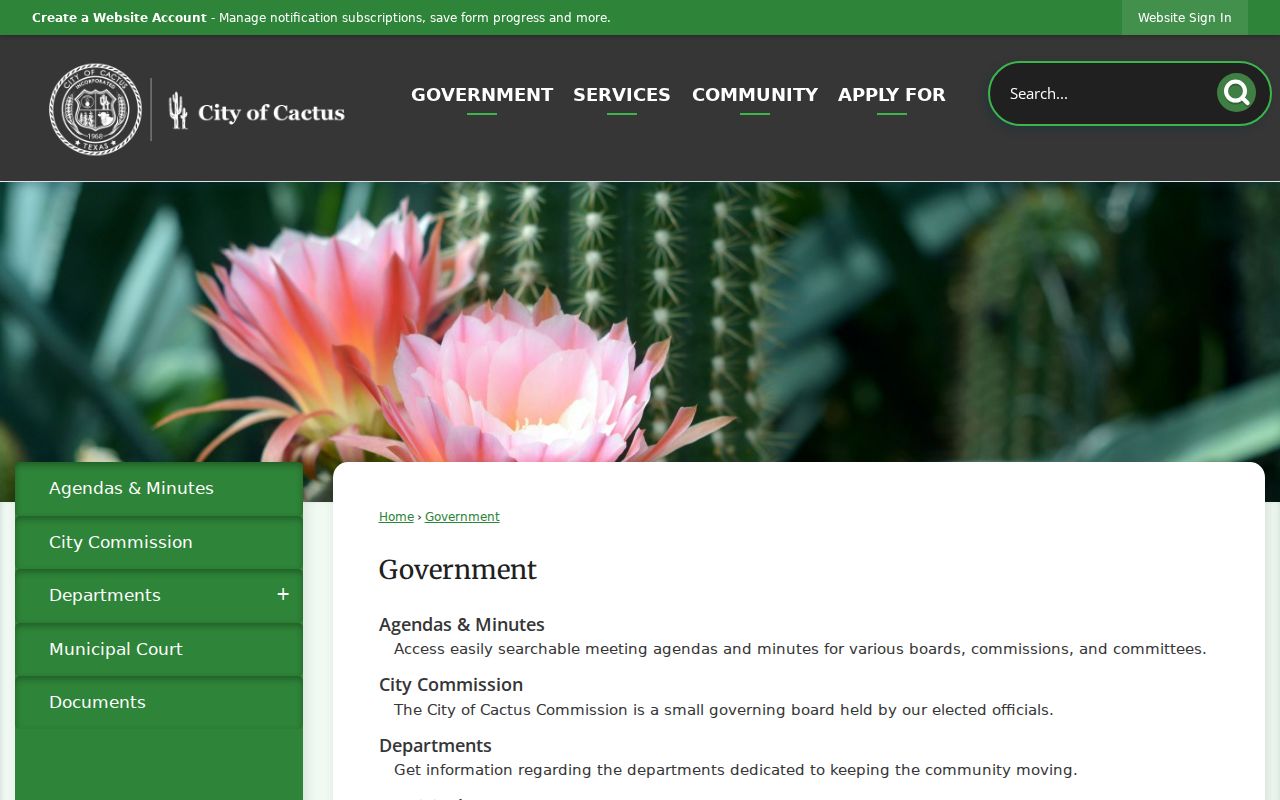
The city page is a safer starting point than an old vendor bookmark. It shows the municipality’s current route.
Cactus offers several practical channels. Use the city link for a number-based search or payment. Reach the clerk by phone, or visit the courthouse counter during published weekday hours. Fax works for instructions the court accepts that way. Mail goes to PO Box 365. A contested matter still needs direct court guidance. A portal that takes money cannot decide which plea or request fits your situation.
Finding Cactus Court Dates
nCourt posts no public daily Cactus calendar. Start with the appearance date on the citation, then confirm it with the clerk, and ask whether it is a deadline, docket call, pretrial, trial, or compliance setting. A payment result and hearing status are separate things. A reset changes a setting but does not erase the case.
| Date | The paper date or clerk-confirmed later setting. |
|---|---|
| Time | The exact time supplied by court, not office opening time. |
| Location | 201 S Highway 287 unless the clerk directs otherwise. |
| Judge | The judge assigned to that setting. |
| Setting Type | Appearance, plea, pretrial, trial, compliance, or another label. |
Cactus Five-Day Payment Rule
nCourt tells users to wait five days from the citation date before trying online payment. A failed search inside that window may simply mean one thing. The record has not reached the vendor yet. It does not extend the deadline printed on the ticket. Keep the paper handy and call the court if that deadline is near.
Payment-plan and partial-payment questions go to the court, not the portal. The portal states that a $25 time-payment fee applies. It is charged if a citation is not paid in full within 30 days. Ask the clerk how that rule applies before relying on a general screen.
Cactus Traffic Ticket Lookups
A ticket routed to Cactus Municipal Court can be searched by citation/ticket number or case/cause number. A letter may be part of it. The vendor lists phone payment at 844-310-0746. Plea, partial-payment, and plan questions belong with the court. Paying and contesting are different choices. Ask about an appearance and possible trial, defensive driving, or deferred disposition before you pay. Local eligibility and costs are not guaranteed, so confirm them. The broader venue split appears in Moore County traffic court records.
Cactus Municipal Case Totals
The Office of Court Administration’s FY 2025 city report gives the full picture for Cactus. The year opened with 1,229 pending cases, added 324 new ones, and reactivated 20 more. Disposals totaled 861, another 333 went inactive, and the docket closed the year at 868 pending.
Treat these totals as broad fine-only and violation-level categories for Cactus. They are not a felony count, a roster of names, or proof of how one citation turned out. For any single outcome, the Cactus case record itself controls.
How Cactus Cases Reach the County
A Cactus municipal case can wrap up in several ways. Payment, plea, dismissal, deferral, and judgment are all authorized endings. Texas law also allows an appeal. It can travel a county-level route. Where it lands and when it is due hinge on case type and court-of-record status. Ask the clerk for instructions before you file anything.
Docket flow: Cactus Municipal Court › Moore County Courts › District Court
Felonies, probate, general civil suits, and county-level matters all start in other tribunals, so check the Moore County court docket map for those files. A justice court matter down the road is not automatically a Cactus case.
Cactus Receipts and Dispositions
A Receipt tab only proves money changed hands. It may say nothing about a conviction, dismissal, deferral, or any other final result. A Record Search hit can name the file yet leave out the documents and event history behind it. When that line matters, request the controlling order or a certified disposition. The portal posts no downloadable register, daily calendar, or complete scanned file. Keep your receipt. Then verify the payment posted to the right case. Check whether any hearing is still set.
Cactus Number Search Troubleshooting
Small quirks can sink a Cactus number search. Some numbers carry a letter. A leading zero sometimes has to go when the portal rejects the full printed form, and the record may still sit inside the five-day wait nCourt describes after issuance. Run through those checks once, then call 806-966-5458. Guessing repeatedly can pull up the wrong case. And an empty online match never excuses you from the paper deadline. When you reach the clerk, say which search mode you used and read the whole number aloud. Give the citation date and the issuing agency too. Then ask whether the case is active, whether an appearance has been set, whether a plea is on file, and whether the amount shown online is current. If you already paid, hand over the receipt number and ask the clerk to confirm it posted. That brief audit ties the vendor record to the official Cactus case. Name the documents you want with care. The case index may be enough to confirm a number and status. Tracing settings takes a docket or event history. A signed judgment or order holds the court’s actual ruling. Certification is a separate clerk service. Not every product downloads from the public interface, so the counter, mail, phone, and fax channels still matter.
Cactus Search Notes to Keep
Good notes save trouble later. Log the date and time of each call, the office you reached, the number you searched, and any setting the clerk confirms. Keep the original citation with any portal receipt. If a letter or a dropped leading zero changed the result, write down the exact form that matched. Those details let you fix a later mismatch without treating an aggregate OCA statistic as evidence about your own case. For mailed requests, add a return address and ask whether the court wants prepayment. For faxed ones, confirm the court actually received them. The Cactus directory lists a fax number. But it does not promise that every filing or records request may travel that route.
Who Can See Cactus Court Records
Anyone may ask the Cactus clerk for public information. That access does not mean every document or identifier lands online. Sealed, juvenile, confidential, and protected details can be withheld or redacted. Give the exact court, number, date range, and record type. Then ask about your options. Ask whether inspection, a plain copy, or certification is available.
Key rules: Court case files and judicial administrative records do not use one identical access path.
The Texas Judicial Branch open-records policy explains Rule 12 and why the Texas Public Information Act does not govern judiciary records in the usual executive-branch way.
Ask the Cactus clerk which rule controls the requested record.
The city publishes no Cactus sample docket, calendar feed, convenience-fee amount, or certified-copy procedure online. Fill those gaps through the office’s published channels.